

Choose AA batteries for quick swaps; choose the USB-C battery option if you prefer charging the console. On the GemuBoy Game Boy Color IPS Famicom Edition, these are separate product variants. USB-C is not fitted to every console automatically.
The choice concerns how you power and maintain the console. It does not change the game library or make one version’s screen better than the other. This guide adapts our French AA versus USB-C comparison for buyers choosing a restored Game Boy Color.
AA or USB-C: the practical differences
- AA batteries: replace the pair when depleted and continue playing, provided you have suitable replacements.
- USB-C battery option: recharge the installed battery using equipment compatible with the particular module.
- Occasional use: removable AA batteries are easy to take out before long storage; an installed rechargeable battery still needs periodic attention.
- Regular use: integrated charging can fit a routine in which the console returns to a charging cable between sessions.
Neither option has a universal runtime advantage. A meaningful comparison would need to specify the batteries or rechargeable module, brightness setting, volume and test conditions.
What the GemuBoy variants actually include
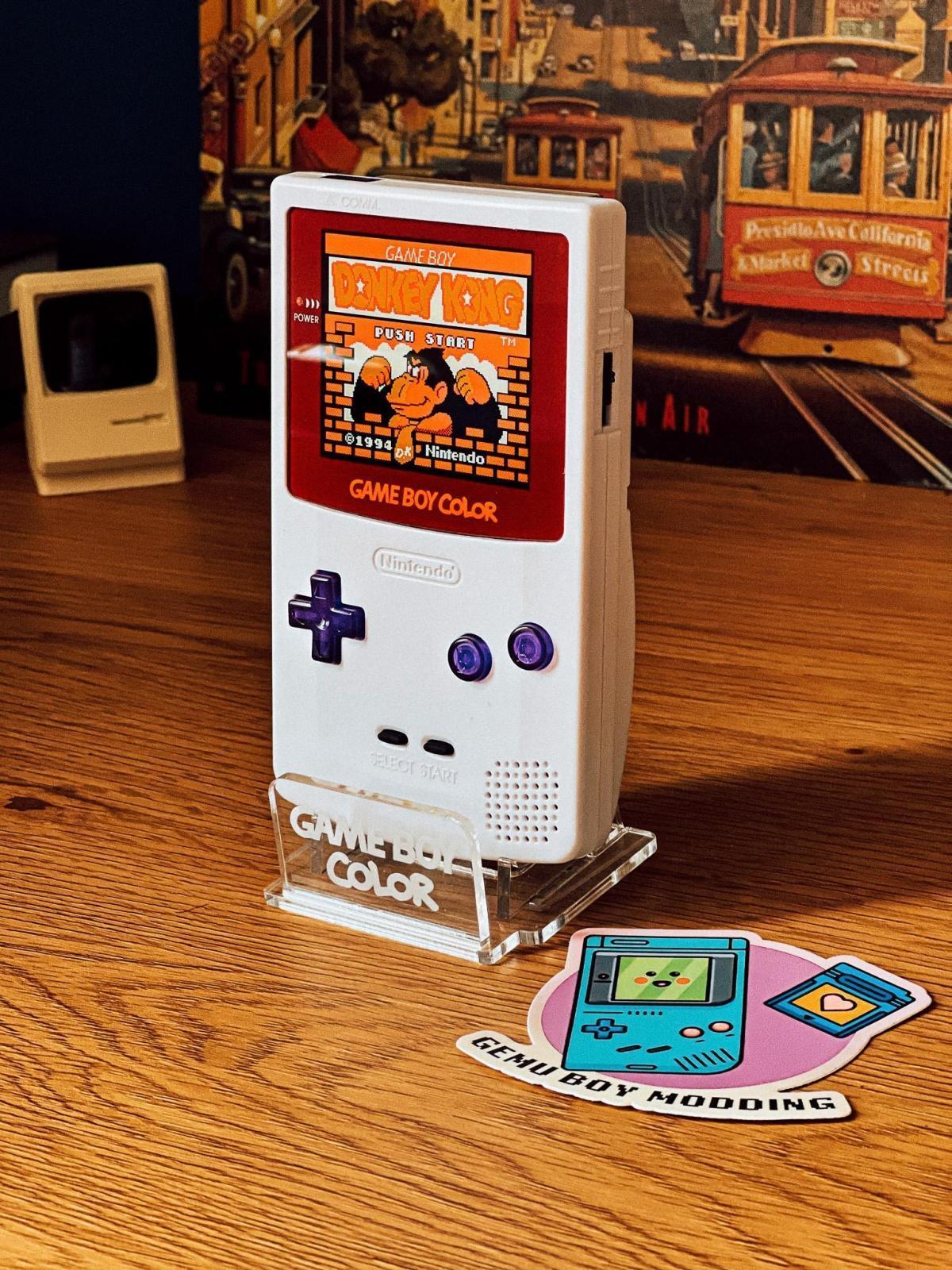
The current Game Boy Color IPS Famicom Edition lists both “Without USB-C battery” and “With USB-C battery” variants. Check your selection before ordering: the presence of USB-C in the description does not mean it is included in the base configuration.
On that photographed Famicom Edition, the underlying restoration retains an original Nintendo motherboard, cleaned and tested, with a replacement shell, buttons and membranes. The GemuBoy GBC IPS specification is eight brightness levels, an enlarged viewing area, a retro pixel mode and a customizable illuminated logo. These display features should not be confused with the power option.
A USB-C connector describes the charging interface, not the battery capacity, supported charger types, charging speed or ability to play while charging. Do not infer any of those features from the connector alone. Ask for the installed module’s instructions if they are not provided with the console.
When AA batteries are the better fit
AA batteries keep the energy source exchangeable. For a journey, event or long session away from a socket, a spare suitable pair can be more convenient than waiting for a recharge. Carry spare cells properly protected, rather than loose with keys or other metal objects.
Rechargeable AA cells are a separate arrangement: where suitable for the console, they are charged in their own compatible charger outside it. Choosing the AA variant does not create charging circuitry inside the Game Boy Color. Equally, the USB-C option is not an instruction to recharge ordinary AA batteries.
For a console that spends long periods on a shelf, remove AA batteries before storage and inspect the compartment before returning it to use. Nintendo’s Game Boy family precautions advise against leaving batteries installed during long periods of non-use and warn against mixing old and new batteries. Follow the cell and console instructions for the battery type you use.
Corroded, damaged or dirty contacts warrant inspection. Turning batteries in the compartment or pressing harder on the cover is not a dependable repair.
When the USB-C battery option is more convenient
If you play regularly at home, charging the console can be simpler than managing disposable cells or an external AA charger. It also reduces the number of separate batteries to carry. The trade-off is that a depleted installed battery needs charging rather than a quick AA swap.
Use the cable and power supply specified for the fitted module. Do not assume a laptop charger, power bank or every USB-C-to-USB-C cable combination is supported without checking. The catalogue variants establish that rechargeable power is offered; they do not establish a universal charger-compatibility list.
A rechargeable battery is a consumable whose capacity changes with use and age. Avoid leaving it depleted for prolonged storage, follow its storage instructions and arrange periodic checks. Stop using the console if the casing deforms or charging becomes abnormally hot or unstable.
Why capacity alone cannot promise hours of play
An IPS display adds a backlight that the original reflective GBC display did not have. Brightness is therefore an important variable when discussing power demand. Volume, the game being played, battery condition and the power module also affect comparisons.
The catalogue does not provide a controlled AA-versus-USB-C runtime test for these variants. We cannot turn the product options into a reliable number of hours. If a seller quotes runtime, ask which battery, brightness setting and conditions were used.
Choose a comfortable brightness for your surroundings rather than keeping the display at its highest setting by default. Pixel mode is a separate display preference; the catalogue does not establish a measured runtime difference between its rendering modes.
Choose according to your routine
You want an immediate spare-power option
The AA configuration is a sensible starting point. Think about where you will obtain replacements and how you will carry them safely.
You prefer a charging routine
The USB-C variant can be more convenient. Check the included equipment and the charging instructions for the installed module before relying on your existing travel charger.
You mainly collect and play occasionally
AA batteries can be removed completely before storage. With an installed rechargeable battery, schedule a periodic condition and charge check instead of leaving the console forgotten in a drawer.
What this comparison establishes—and what to ask before buying
The useful GemuBoy-specific detail is that the same Famicom Edition is offered with two power configurations. You can consider the power choice without comparing different screen types or different motherboard architectures. The product states that AA batteries and games are not included; the USB-C battery is installed only when that variant is selected.
Before ordering, confirm your selected variant, the charging equipment supplied, the compatible power source and the care instructions. A later conversion should not be assumed possible without checking the existing assembly. For broader buying checks, see Buying a Modded Game Boy: 12 Things to Check.
Frequently asked questions
Does USB-C improve the IPS picture?
No. The power option does not change the GemuBoy GBC screen specification or its eight brightness levels.
Does every GemuBoy GBC include USB-C?
No. Select the rechargeable variant when offered. Read the chosen product’s options and package contents.
Can I charge AA batteries through the console?
Do not assume so. The AA and installed USB-C battery configurations are distinct. Recharge suitable AA cells only with their specified external charger.
Which option lasts longer?
There is no verified universal answer for these variants. Cell chemistry and condition, rechargeable battery capacity, brightness and use all matter.
Is a charging cable included?
Check the selected product’s current package contents. The existence of a USB-C variant alone does not establish which cable or charger is supplied.
Find your preferred GBC configuration
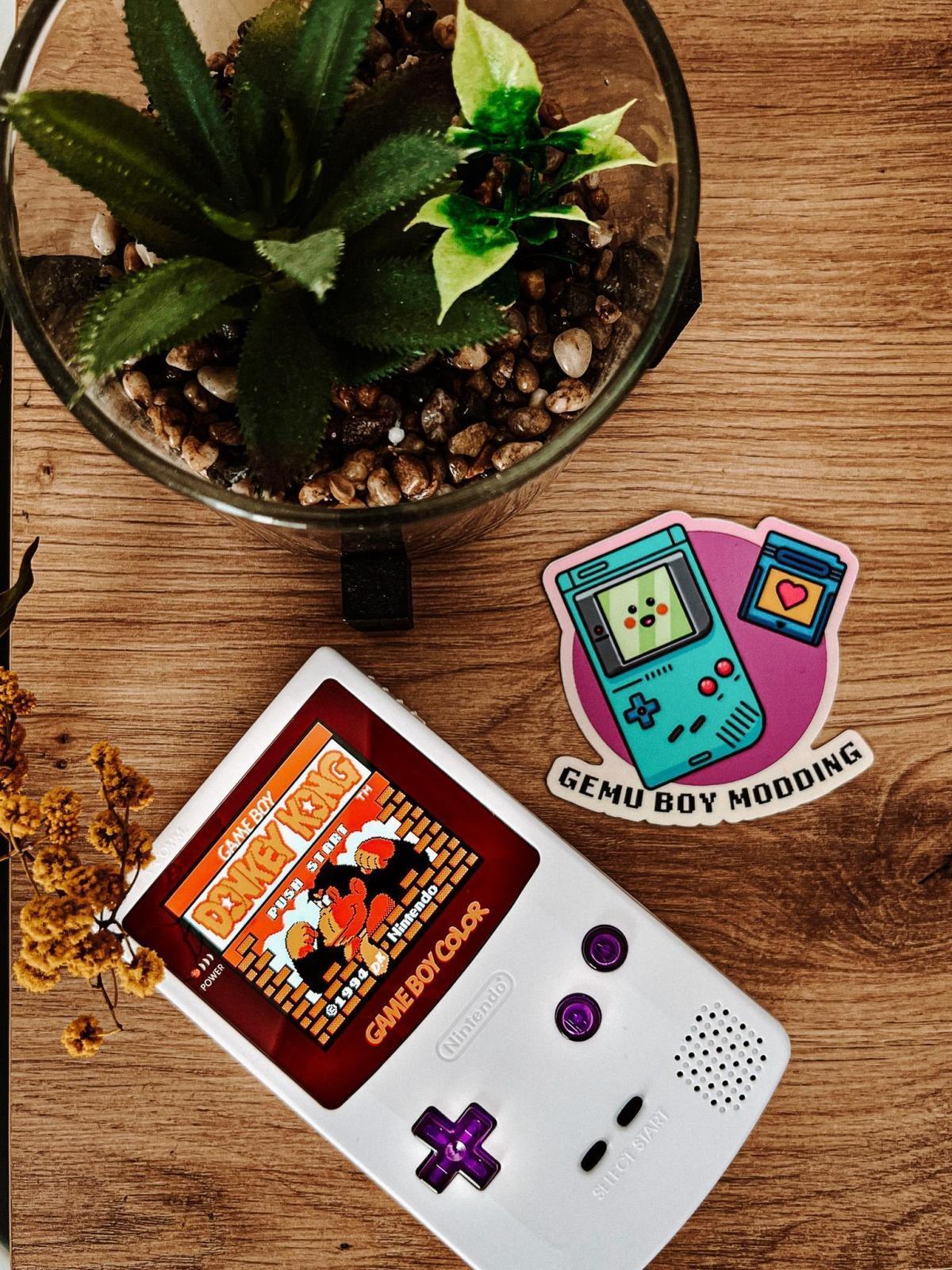
Compare the finishes in our Shop Game Boy Color IPS consoles collection, then check the power options on the individual product page. The photographed Famicom Edition is the catalogue reference used in this comparison.