

A new shell is not proof of a quality restoration
A modded Game Boy can combine an original Nintendo motherboard, a modern IPS display, a new shell and a replacement power system. It can also have been assembled quickly, without a thorough clean or a long functional test. From the outside, both consoles may look equally impressive.
Before buying, look beyond the colour of the shell and the brightness of the display. Build quality is determined by the origin and condition of the hardware, the precision of the installation and the checks carried out after assembly.
First identify what is original
The word “modded” does not describe one single architecture. A restored Game Boy Color, Game Boy Advance or GBA SP may retain its original Nintendo motherboard while receiving a new screen, shell, buttons, membranes or power system. An FPGBC uses a newly manufactured FPGA-based board instead. Both approaches can be valid, but they should not be presented as the same product.
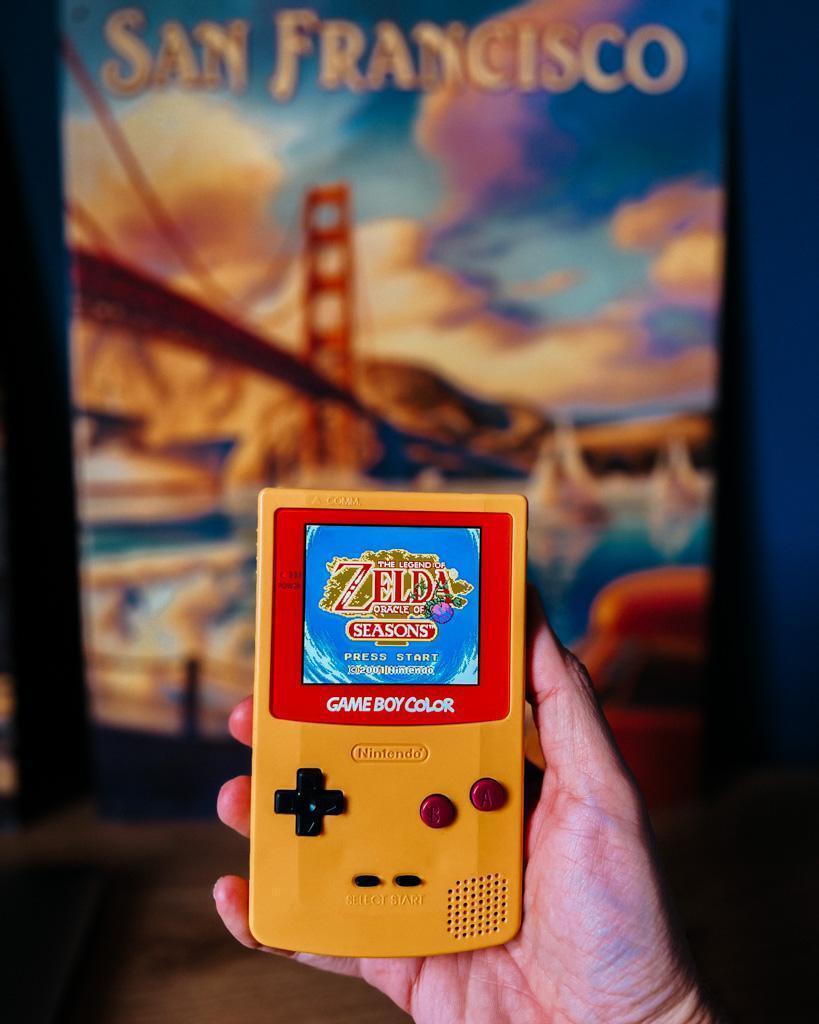
Ask for a clear description of the motherboard, replaced components, screen kit, power configuration and optional lighting. A reliable seller should distinguish original hardware from newly manufactured parts. You can compare the available configurations through GemuBoy’s Game Boy Color collection.
Useful evidence before ordering
- clear photographs of the actual console or the exact model offered;
- a list of the components that have been replaced;
- measurable specifications rather than vague “premium quality” claims;
- a documented testing process and a clearly stated warranty.
The Gemu Check: 12 points before dispatch
GemuBoy’s final inspection follows a 12-point checklist. The same list is useful to buyers: if a seller cannot explain how one of these areas is tested, ask for more detail before ordering.
1. Display quality
The picture should appear immediately and remain stable, without flickering lines, dark areas or obvious defective pixels. On a laminated display, also check alignment inside the shell and look for dust trapped beneath the lens.
2. Brightness controls
Every brightness level should respond consistently, without skipping settings or switching the display off. Current GemuBoy Game Boy Color IPS models provide 7 brightness levels; the GBA and GBA SP IPS models provide 15 levels. The number advertised must match the kit actually installed.
3. Directional pad
Test all four directions, diagonals and rapid changes of direction. A membrane that is too stiff or incorrectly seated can make the D-pad feel inaccurate even when each direction works separately.
4. A and B buttons
Both buttons should register throughout normal play without sticking or requiring excessive pressure. Repeated actions are useful for finding intermittent input that a single press may miss.
5. Start and Select
These smaller buttons are sometimes overlooked during a quick test. Check them in a game menu and confirm that they respond without needing an unusually hard press.
6. Shoulder buttons where fitted
On the Game Boy Advance and GBA SP, test L and R independently and together. They should click and register consistently. Their fit should also remain even along the shell edge.
7. Sound and headphone output
The speaker should remain clear across the volume range, without crackling, sudden dropouts or a dead section on the wheel. On models with a headphone socket, test compatible headphones and confirm that both channels work and that the speaker switches over correctly.
8. Cartridge reading
A console should start more than one clean, known-working cartridge. Test both cold starts and restarts. Repeated read failures can point to dirty or worn contacts, a switch issue or a board-level fault rather than a cosmetic problem.
9. Power switch
The switch should move cleanly and power the console without needing to be held between positions. A brief cut when the switch is touched is a warning sign that deserves further inspection.
10. Power and charging system
For AA-powered systems, inspect the contacts and battery compartment for corrosion, deformation or residue. For rechargeable builds, confirm stable charging, a secure connector and normal operation away from the cable. Do not rely only on a charging indicator.
11. Shell fit and assembly
Check the gaps around the shell, screen, buttons and ports. Screws should sit correctly without crushed plastic or visible stress. A new shell should not creak excessively or force controls out of alignment.
12. Extended functional test
A few seconds at the boot screen are not enough. Play long enough to operate every control, change brightness, vary the volume and move the console naturally. Intermittent faults often appear only after the handheld has warmed up or been handled for several minutes.
Warning signs in a listing
- no distinction between an original Nintendo motherboard and a replacement board;
- generic photographs that do not match the model being sold;
- no information about the screen kit or brightness controls;
- no mention of power, battery condition or charging;
- “fully tested” with no explanation of what was tested;
- no warranty or after-sales information.
Adjust the checks to the model
Game Boy Color IPS
Check all 7 brightness levels, the pixel mode, the illuminated customisable logo and the power option selected. Current GemuBoy models retain a restored original Nintendo motherboard and are offered with AA power or a USB‑C battery depending on the variant.
Game Boy Advance IPS
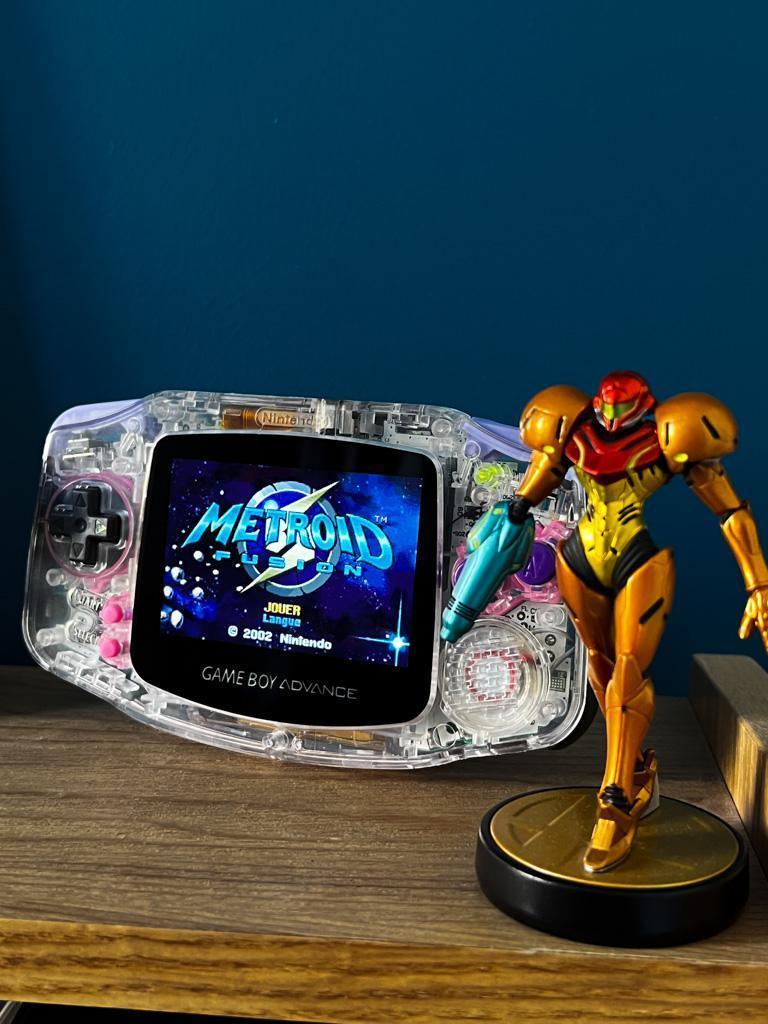
Check all 15 brightness levels, the scanline filter, both shoulder buttons and the chosen power configuration. On a transparent shell, visual neatness is useful, but it does not replace a complete functional test.
Game Boy Advance SP IPS
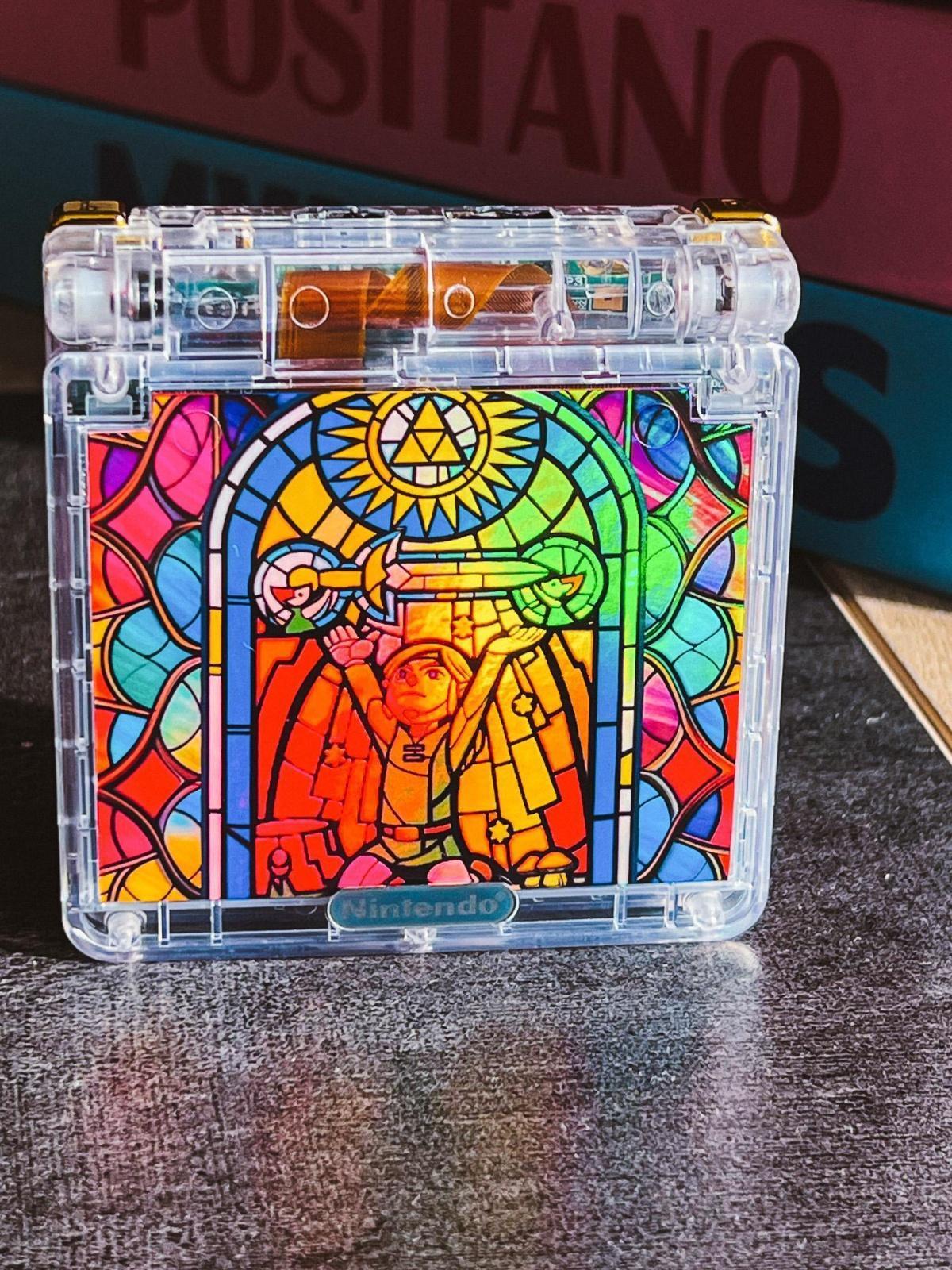
In addition to the 15 brightness levels and scanline filter, inspect the hinge, charging port, indicator light and battery. The screen should remain stable at normal viewing angles, and the shell should close without unusual resistance.
What GemuBoy’s process adds
GemuBoy restores and tests original Nintendo motherboards used in its modded Game Boy Color, GBA and GBA SP systems. The final check is adapted to the architecture: battery contacts or USB‑C power on GBC and GBA, shoulder buttons on GBA, and hinge, charging and battery behaviour on SP.
This matters because “modded” describes the visible upgrades, while “restored and tested” describes the work required to make the complete console dependable. The two claims should not be treated as interchangeable.
Questions to ask before buying
- Is the motherboard original Nintendo hardware or a replacement board?
- Which screen kit is installed, and how many brightness levels does it provide?
- Which components were replaced?
- How is the console powered, and what is included in the package?
- Which functional checks are completed before dispatch?
- What warranty and support are provided?
Frequently asked questions
Is every modded Game Boy built from original Nintendo hardware?
No. Many restored consoles retain an original Nintendo motherboard, while systems such as the FPGBC use a modern replacement board. The product description should state this clearly.
Does a brighter IPS screen prove that the console is well restored?
No. Display quality is only one part of the build. Controls, sound, cartridge reading, power, assembly and an extended functional test are equally important.
How many brightness levels should a GemuBoy IPS console have?
Current GemuBoy Game Boy Color IPS models have 8 levels. Current GBA and GBA SP IPS models have 15 levels.
Should I ask for photographs of the actual console?
Yes, particularly for one-off or ready-built stock. For made-to-order models, photographs of the exact specification and clear examples of previous builds still help establish what will be supplied.
What warranty does GemuBoy provide?
GemuBoy currently includes a six-month commercial warranty, without affecting any statutory rights that may apply to the order.
In summary
When buying a modded Game Boy, do not judge the build from the shell alone. Confirm the hardware architecture, screen specification, controls, sound, cartridge reading, power system and assembly quality. Then look for evidence of an extended test and meaningful after-sales support.
Ready to compare complete builds?

Browse GemuBoy’s restored Game Boy Color, Game Boy Advance and GBA SP consoles, with the configuration detailed on each product page.
Explore our Game Boy Color IPS consoles →Explore our GBA and GBA SP IPS consoles →